How do I find a specific program?
There are multiple Rescue, PowerNap, and FlowState program options within each time session length. Each neuroacoustic software program is overlaid with a different musical genre that is woven within the neuroscience platform. While our community members have personal preferences, each neuroacoustic software program uses the same neuroscience technology platform for reliable and predictable results.
If you are gravitating toward a specific neuroacoustic software program and want to listen to it, please follow these steps:
- Note the name of the neuroacoustic software program, which is below the Restart and End buttons. The name of the program playing is displayed in small grey font.
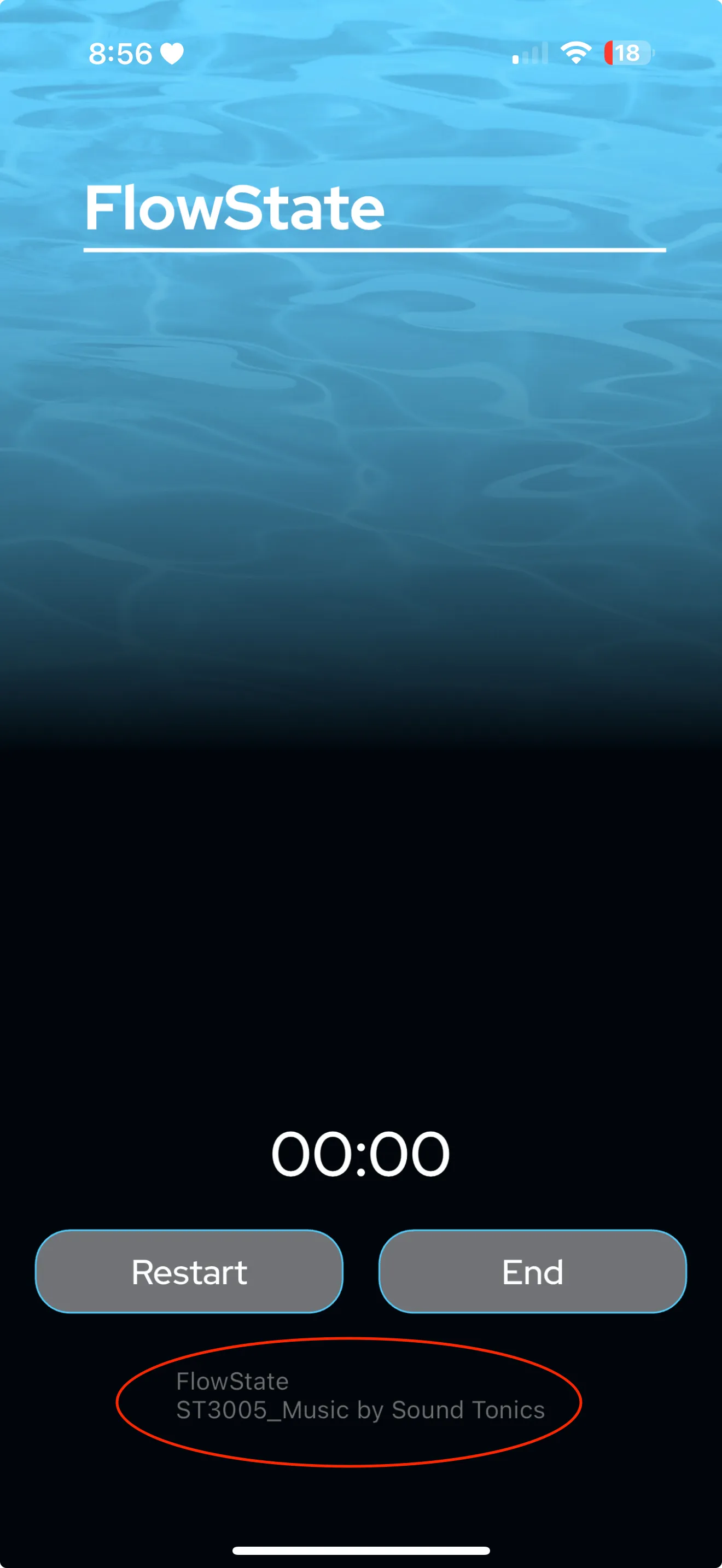
- If you don’t see the neuroacoustic software program name you desire tap the End button.
- You will be taken to the Program Summary Screen. Tap the Continue button until you return to the Home Screen.
- Select the journey and session length again. Repeat this process until you see the neuroacoustic software program name you want to listen to.