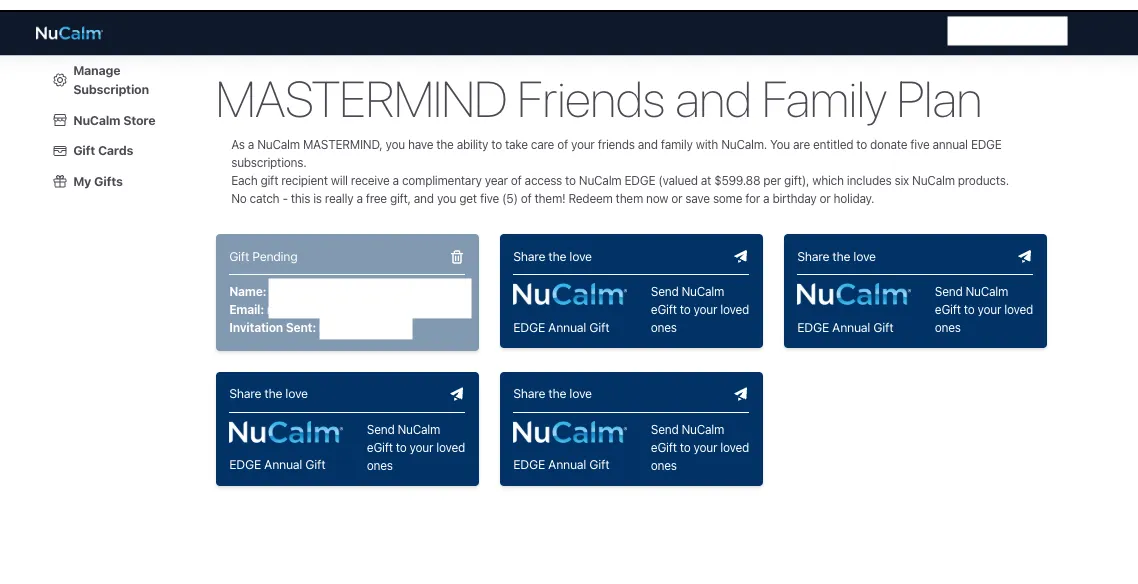
How do I send my 5 Free EDGE Annual Gifts?
To redeem your gift subscriptions, one of the favorite benefits of being a MASTERMIND, simply log into your NuCalm account, and follow the steps below.
1. Log in to your NuCalm Account.
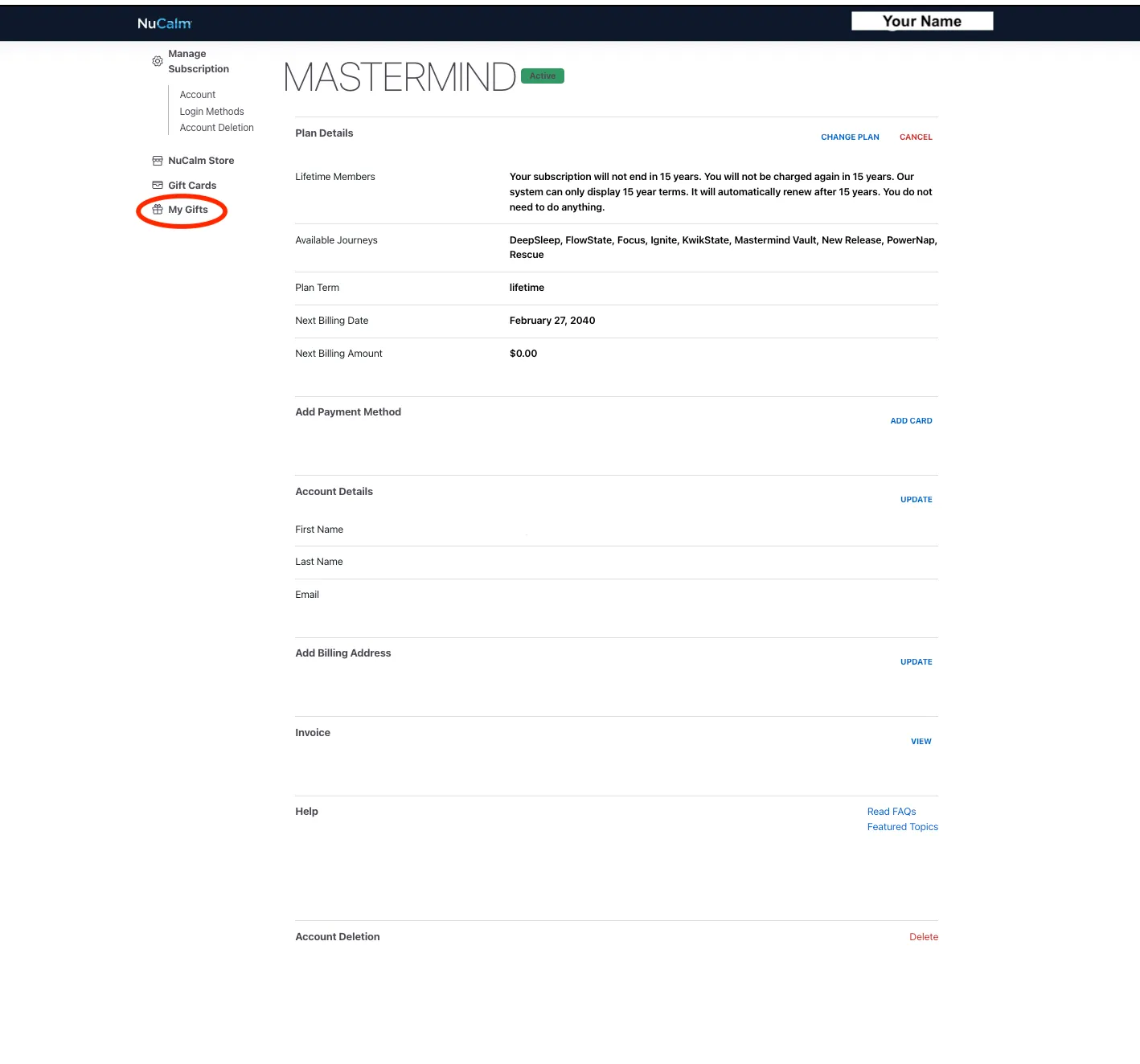
2. Go to the Your Gifts page in your account (view Your Gifts).
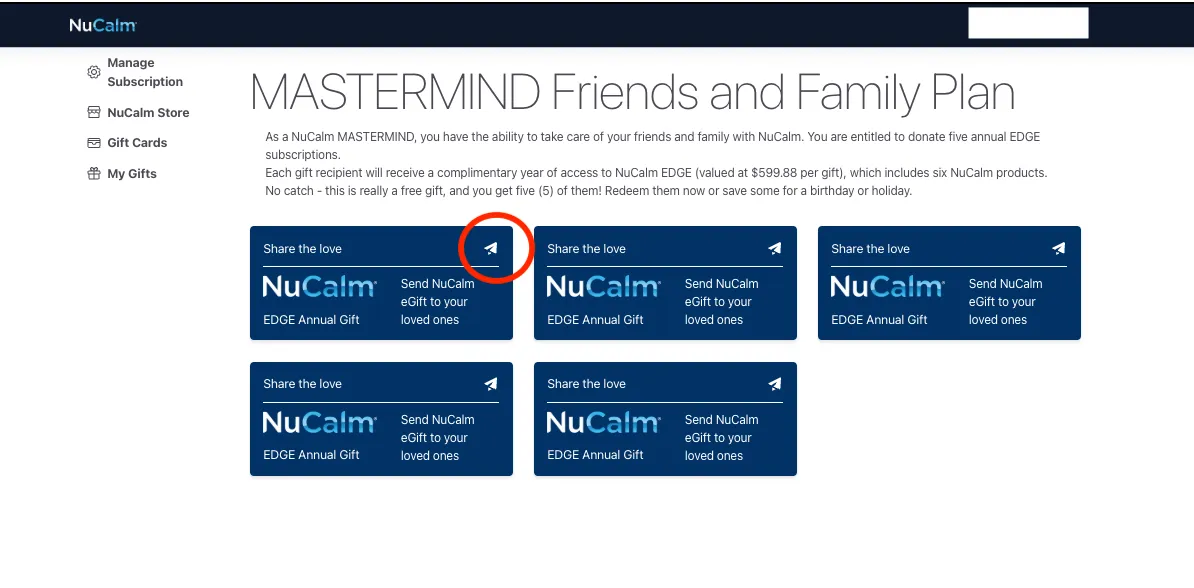
3. Select an EDGE Annual Gift from the Your Gifts page.
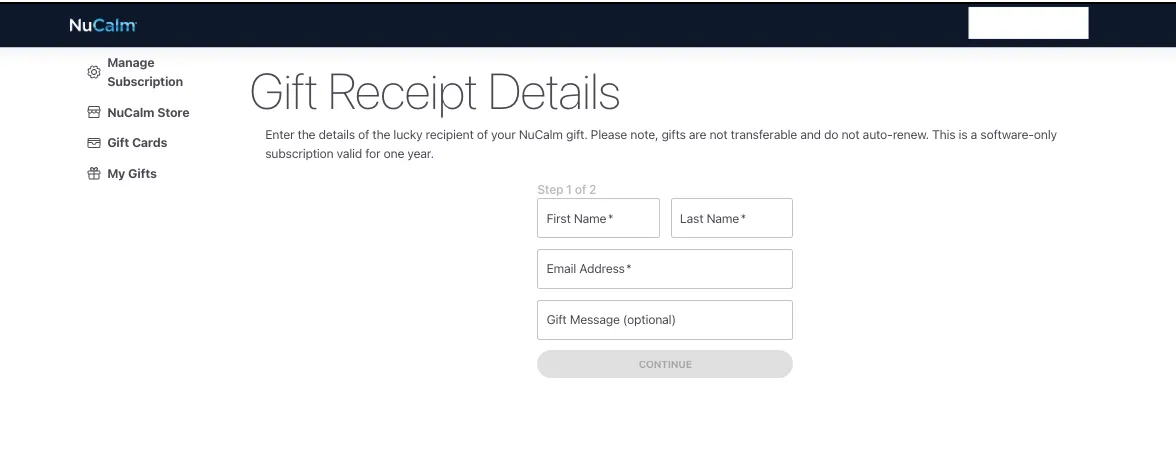
- Enter and complete the gift recipient information on the Gift Recipient Details page.
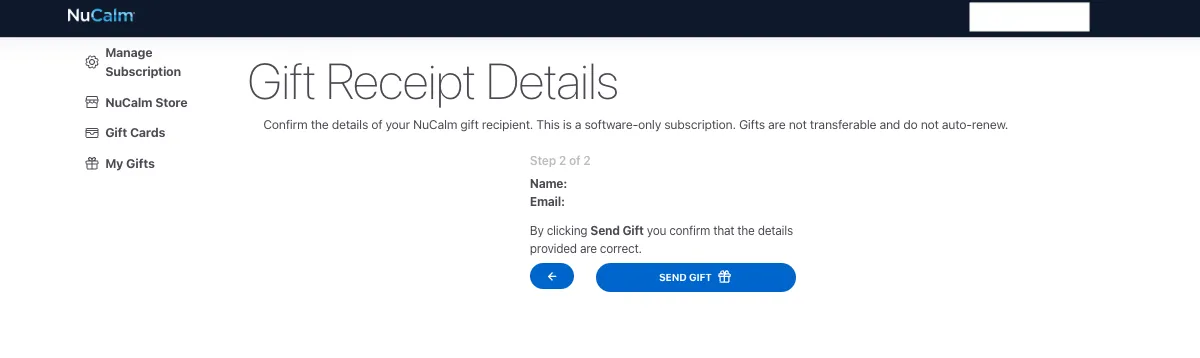

- Your gift recipients will receive an email informing them of your gift and including a link to redeem it.