How do I use NuCalm without Wi-Fi/offline?
You will need an internet connection to download and log into the app. Then once logged in, you can download programs for offline use. The app will prompt you to connect to Wi-Fi or cellular data every 30 days to renew your licenses.
Please follow the instructions below to use offline playback:
- Ensure your Wi-Fi is turned on.
- Select the product you want to download a program from (DeepSleep, Rescue , PowerNap , FlowState , Focus , Ignite ).
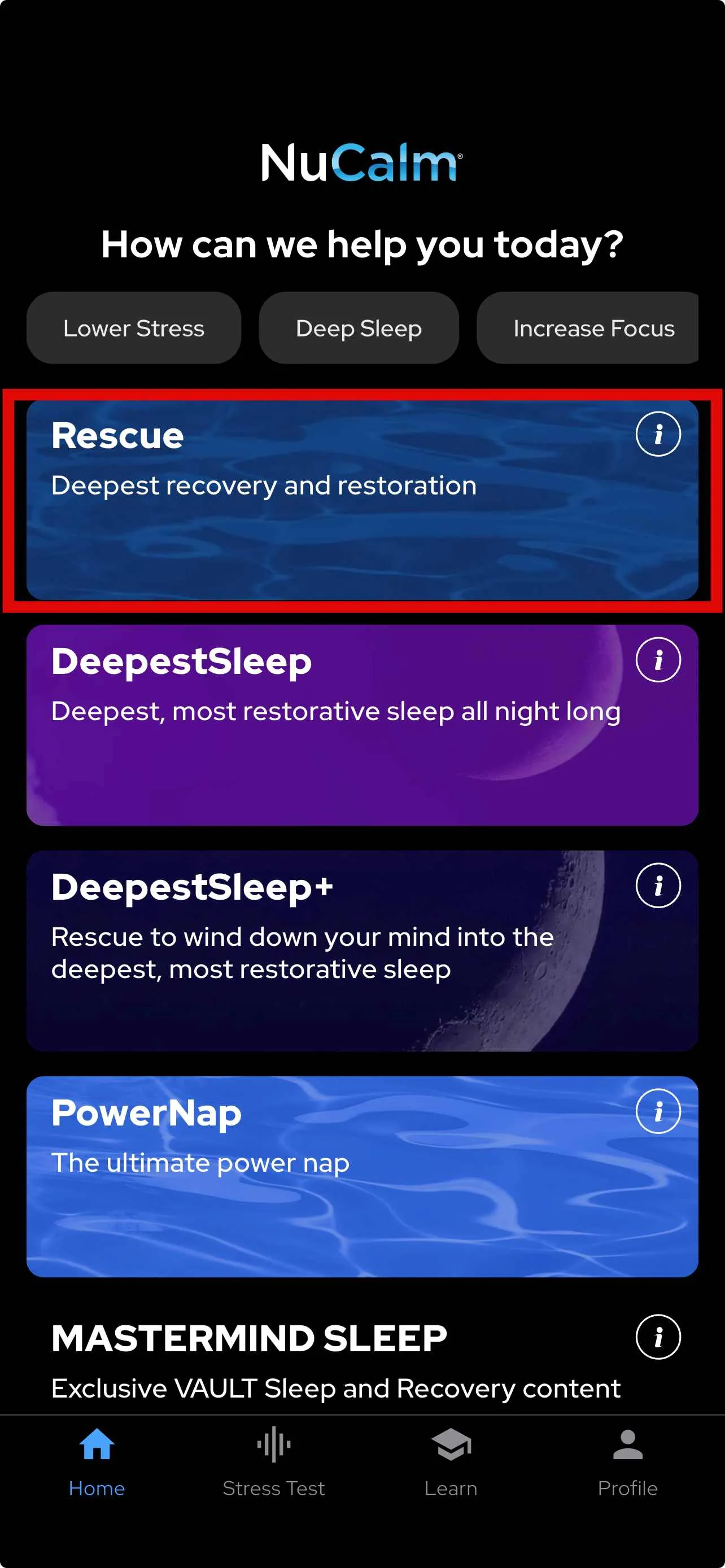
- Select your program length in minutes.
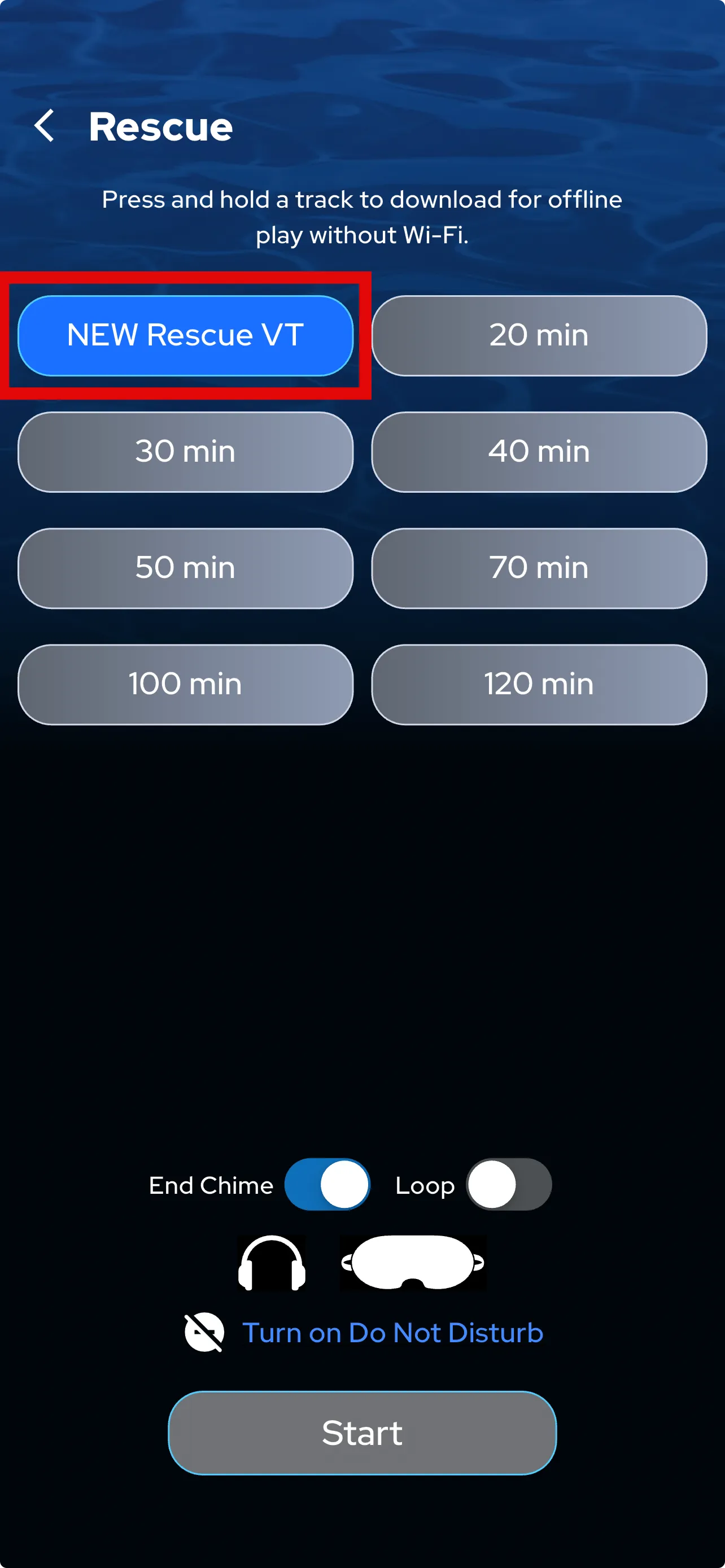
- Press and hold the time button until you see “Download ↓”.
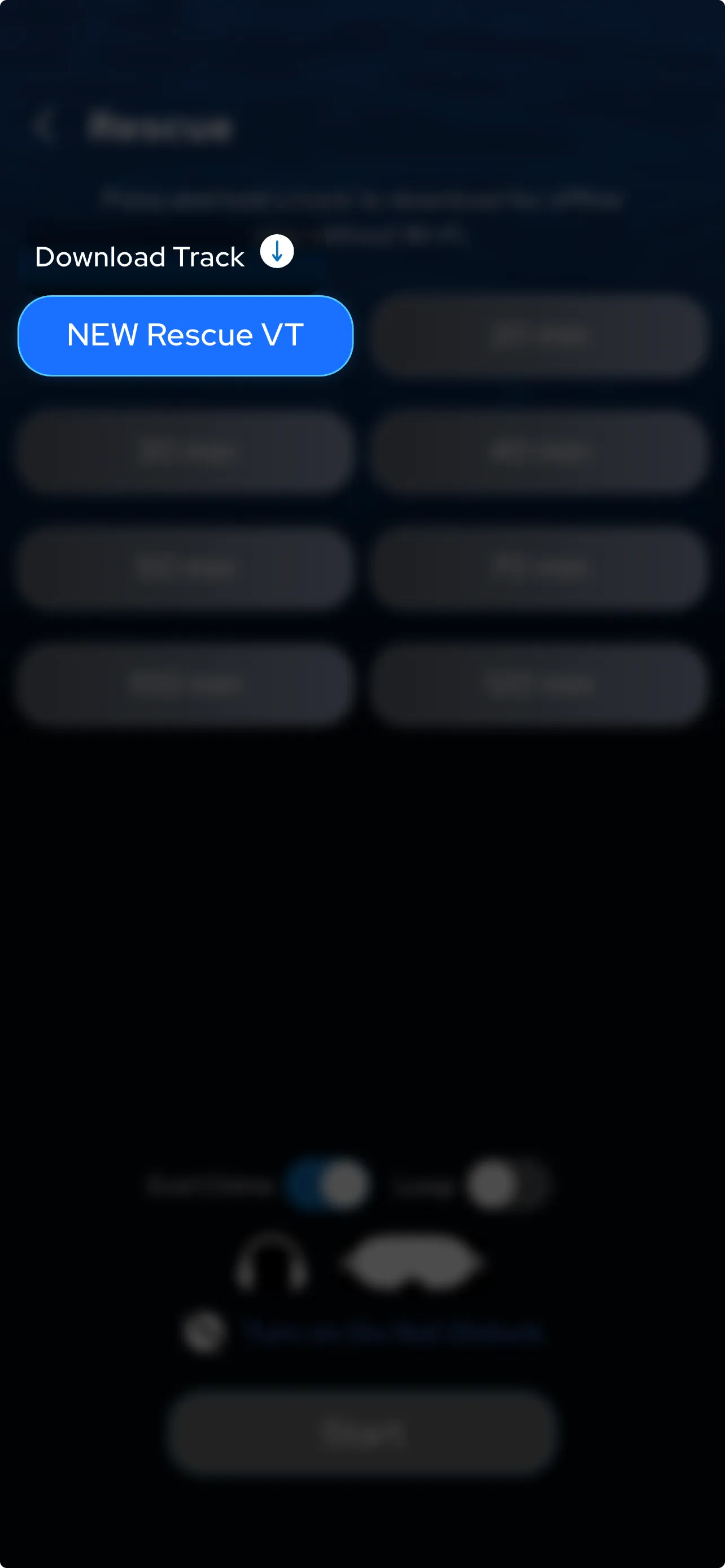
- Note downloading in process (ensure you have a strong Wi-Fi connection):
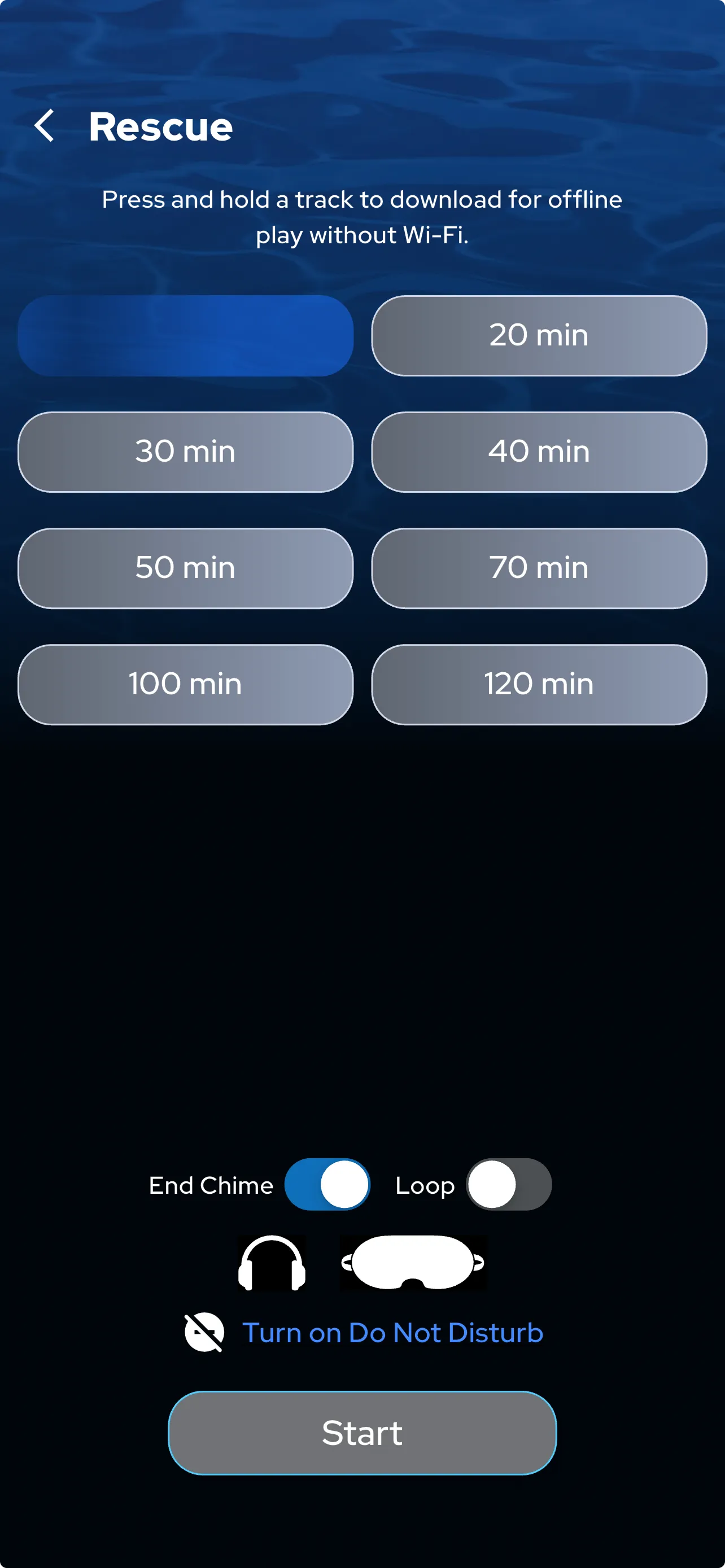
- You will see a checkmark when the program has finished downloading and is ready for use
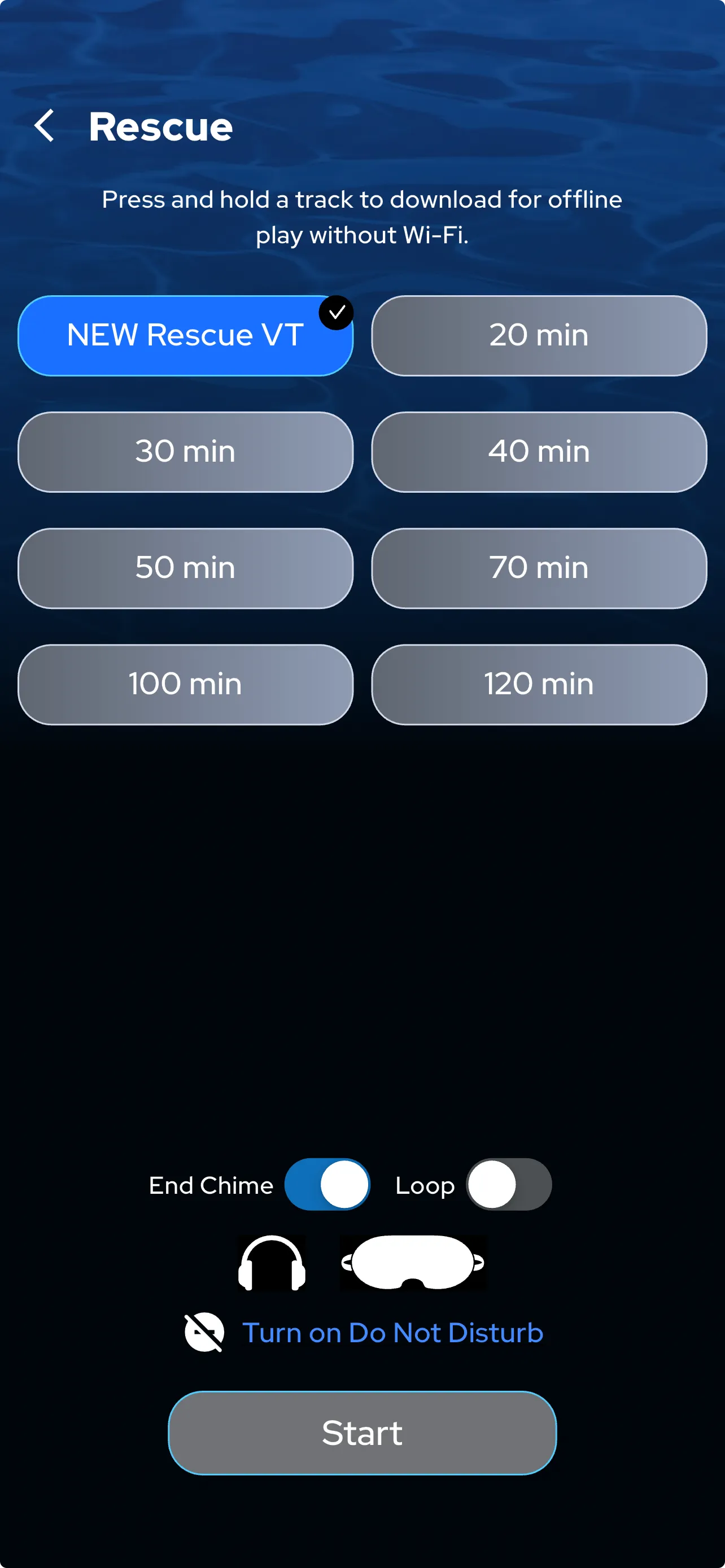
To play the program while not connected to Wi-Fi, please follow these directions:
- Completely close out of the NuCalm app
- Turn on Airplane Mode
- Open the NuCalm app
- Select the downloaded program
- Press “Start”